Vasundhara
Home
Download
Keyboard Layout
Use Font
Step 1
: Enable Telugu keyboard
Windows XP/2000
Windows NT/98/Me
Step 2
:
Download font
Step 3
:
Type and use
Regular keyboard layout
Shift
key keyboard layout
Alt
key keyboard layout
Print all layouts
Source
Bugs or enhancements
Links
Feedback
Project status: Pre-Alpha
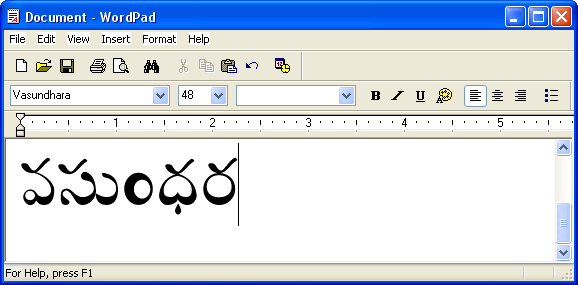
Launch the
Wordpad
application in Windows.
From the Language Bar select the Telugu keyboard.
From the list of fonts select the
Vasundhara
font.
Using the
Keyboard layouts
type in the text needed.